
Features
Integration
Pricing
Let customers discover products, explore your catalog, add items to their cart and connect with your business— all through WhatsApp.
With whatscommerce, create a conversational shopping experience that helps customers move from product discovery to purchase with fewer steps.
Turn every WhatsApp conversation into a complete shopping experience — from product discovery to payment and order tracking.
Showcase your products with rich images, prices and detailed information directly inside WhatsApp.
Let customers explore products and continue their shopping journey without leaving the conversation.
Allow customers to add multiple products and manage their complete cart directly through WhatsApp.
Recommend relevant products based on customer conversations and shopping behavior.
Create natural shopping conversations that help customers discover and purchase products.
Manage customer orders and keep your entire order journey organized from one place.
Connect payment solutions and make checkout simple and convenient for customers.
Automatically keep customers updated with order confirmations, shipping and delivery notifications.
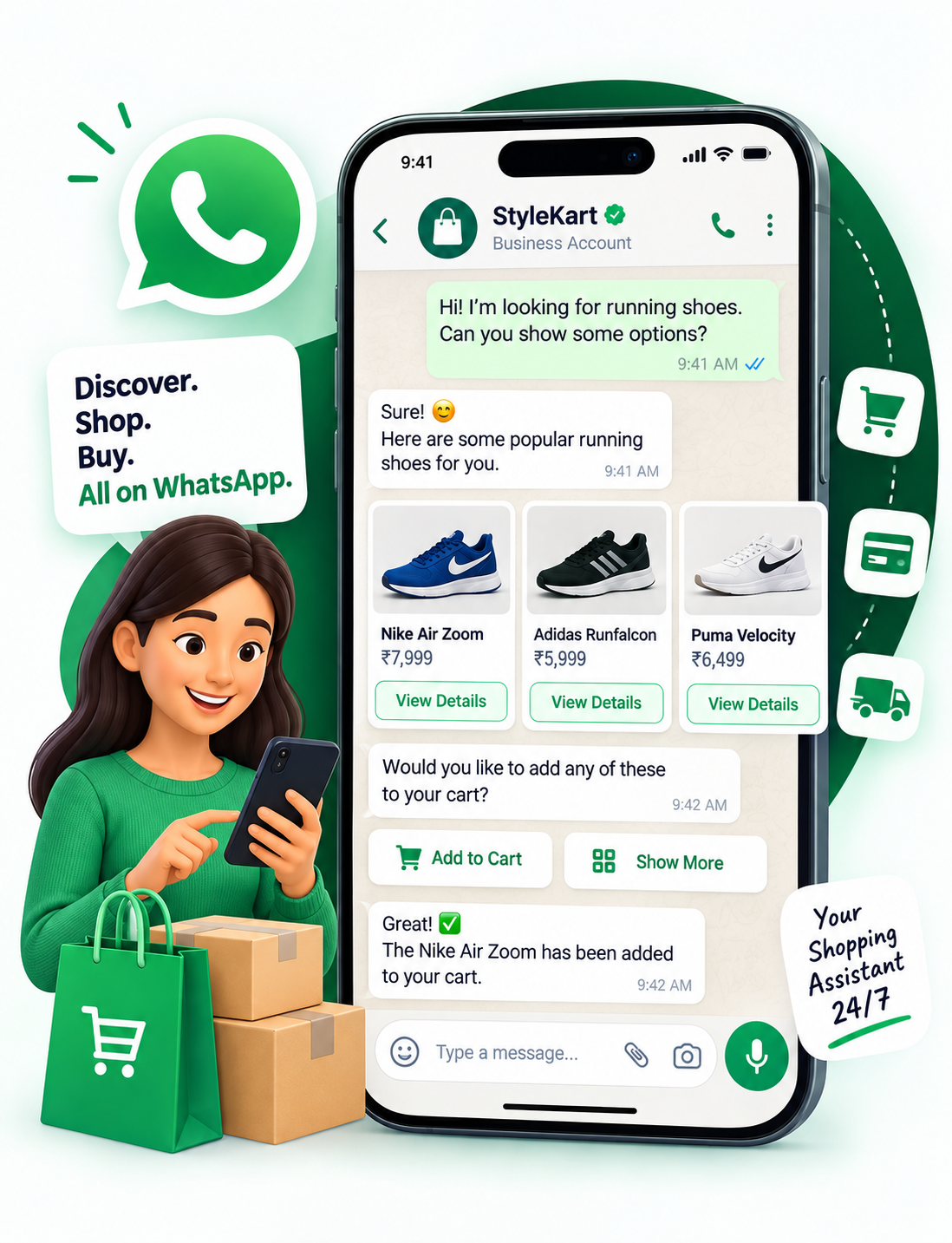
Imagine a customer wants to buy a pair of running shoes. Instead of visiting a website, searching through multiple pages, and filling out forms, the customer can complete the shopping journey through WhatsApp.
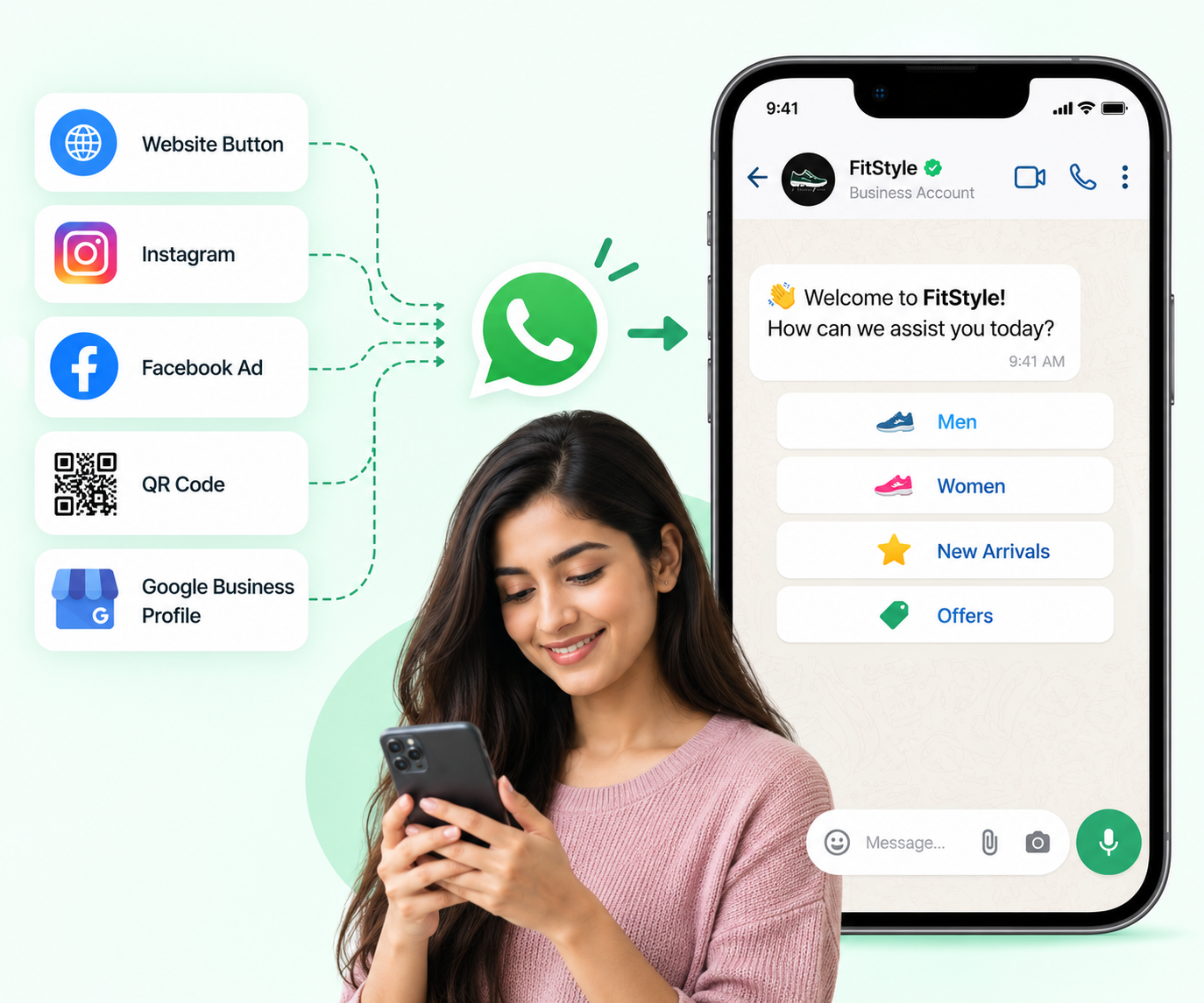
A customer clicks your “Shop on WhatsApp” button from your website, Instagram, Facebook Ad, QR code, or Google Business Profile.
Customers can start a conversation with your business through WhatsApp, Click-to-WhatsApp Ads, QR codes, website buttons, or other customer touchpoints.
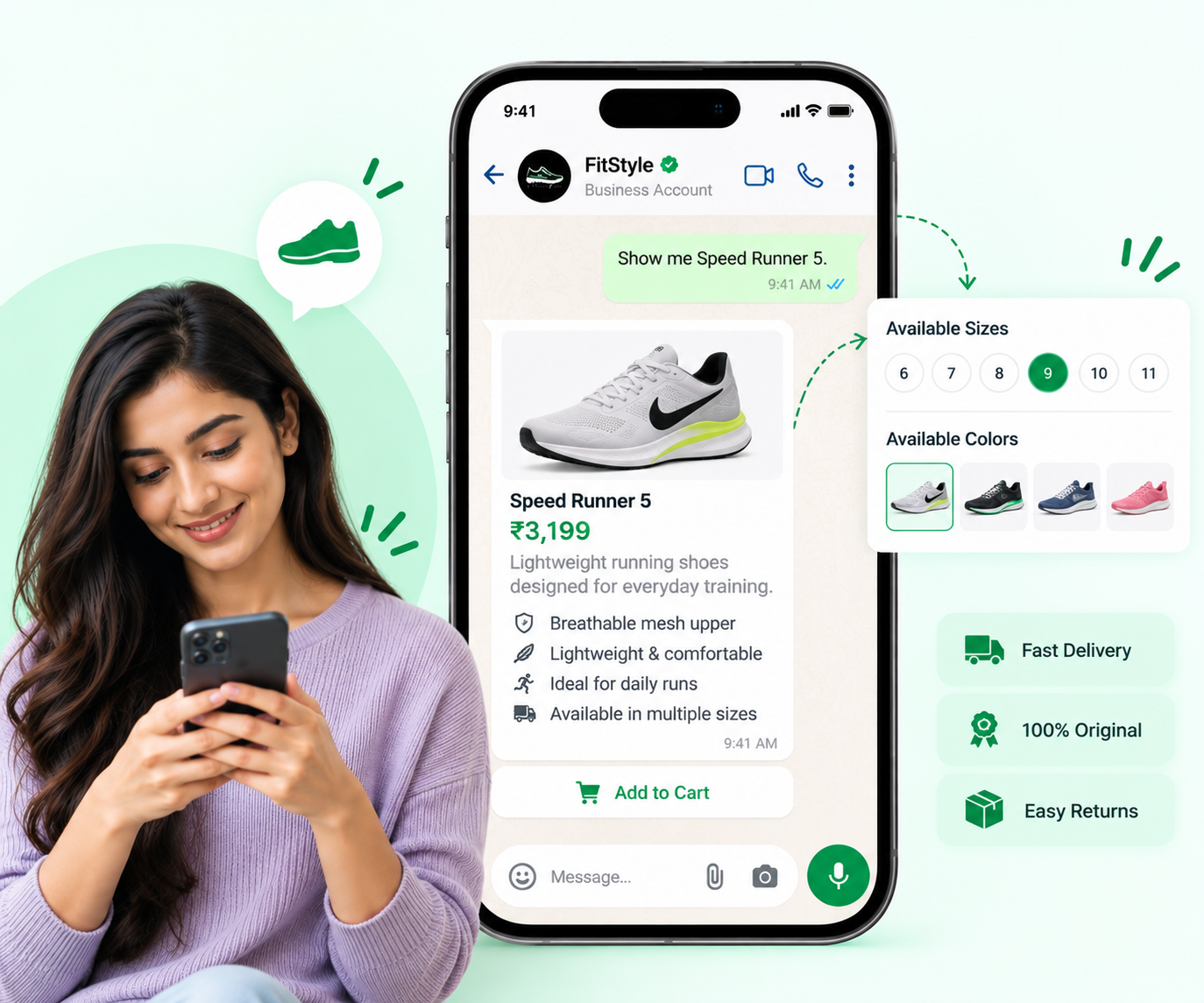
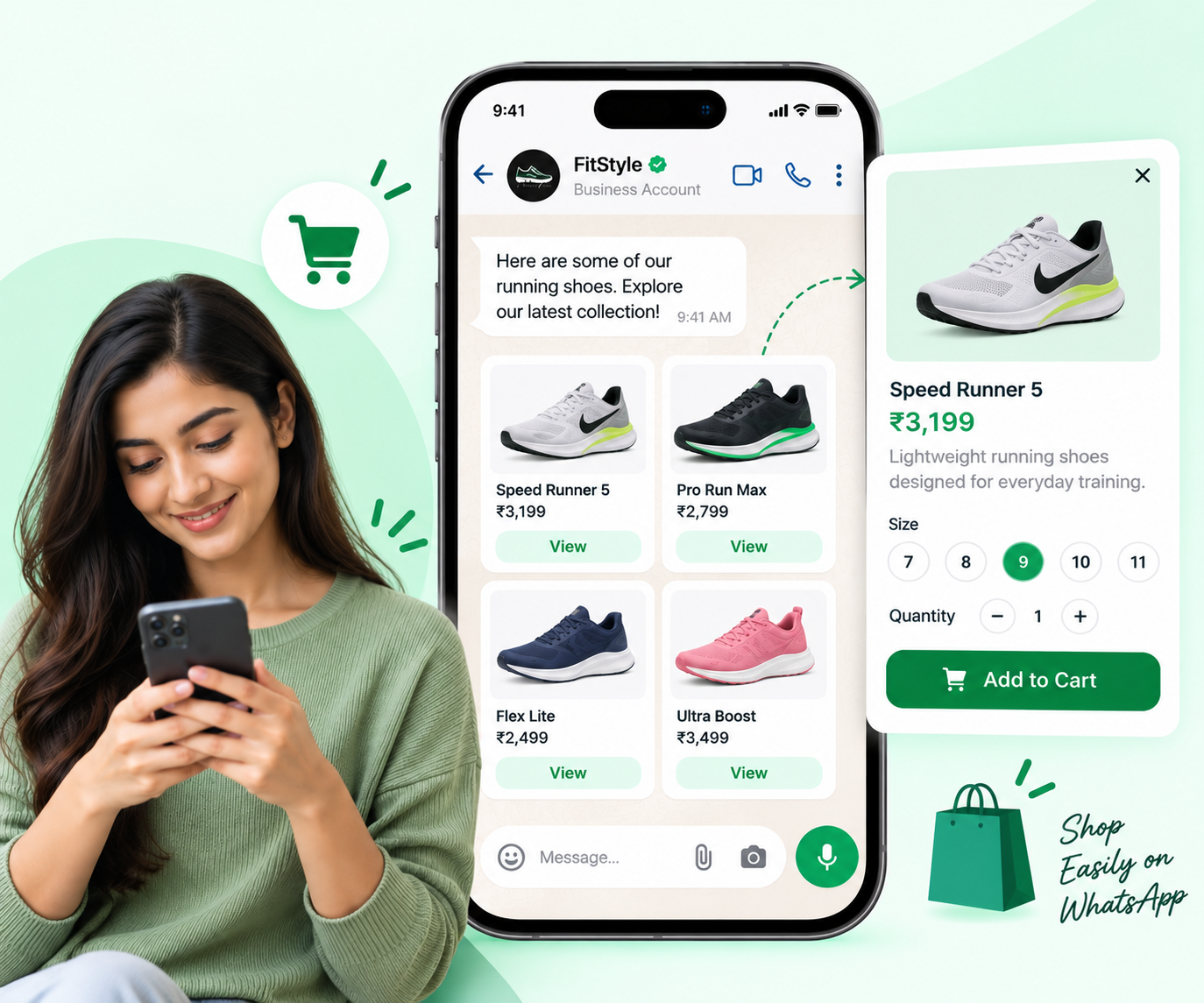
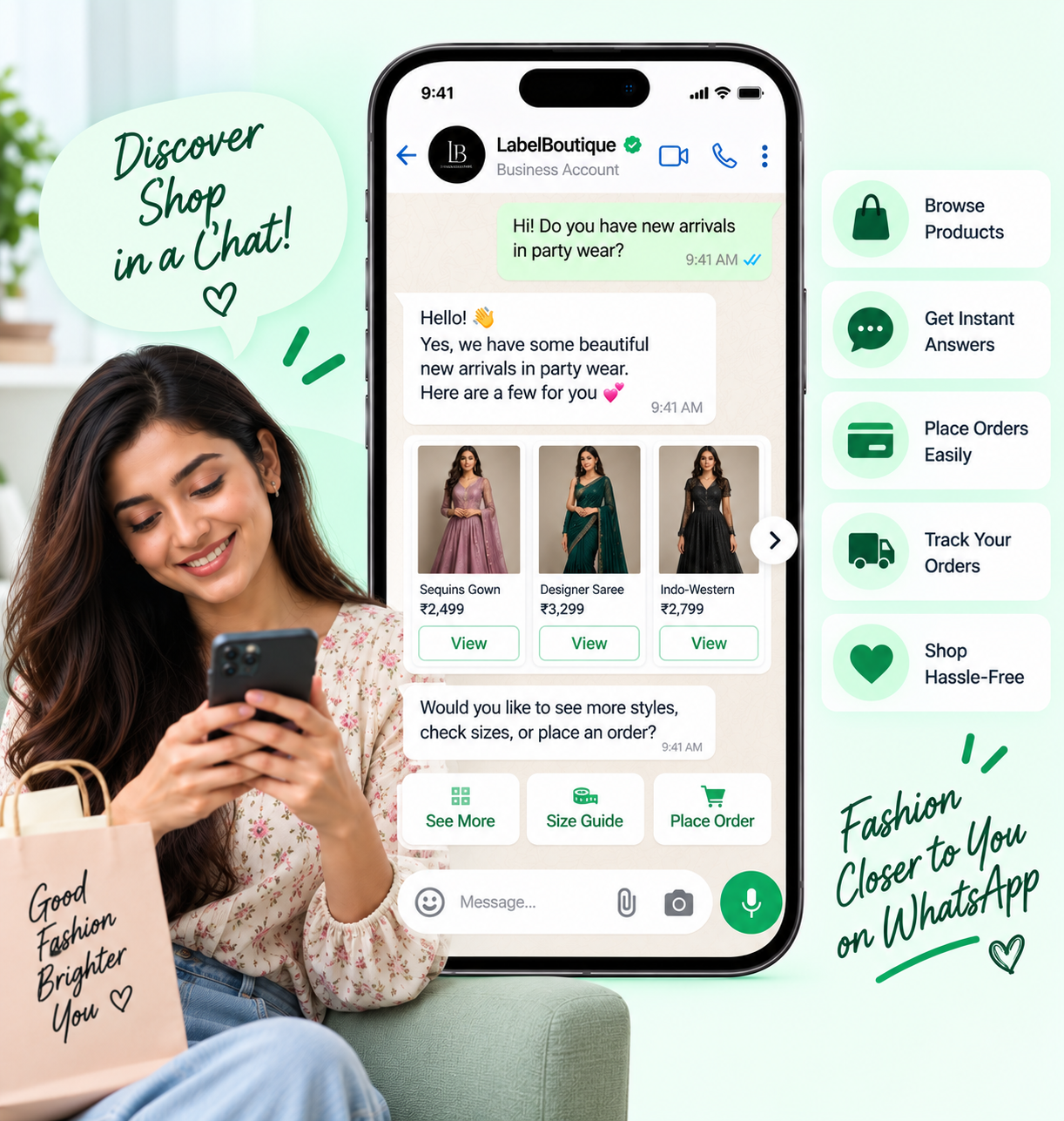
Show your products directly through WhatsApp using an organized product catalog. Customers can explore product images, names, descriptions, prices, and other relevant information.
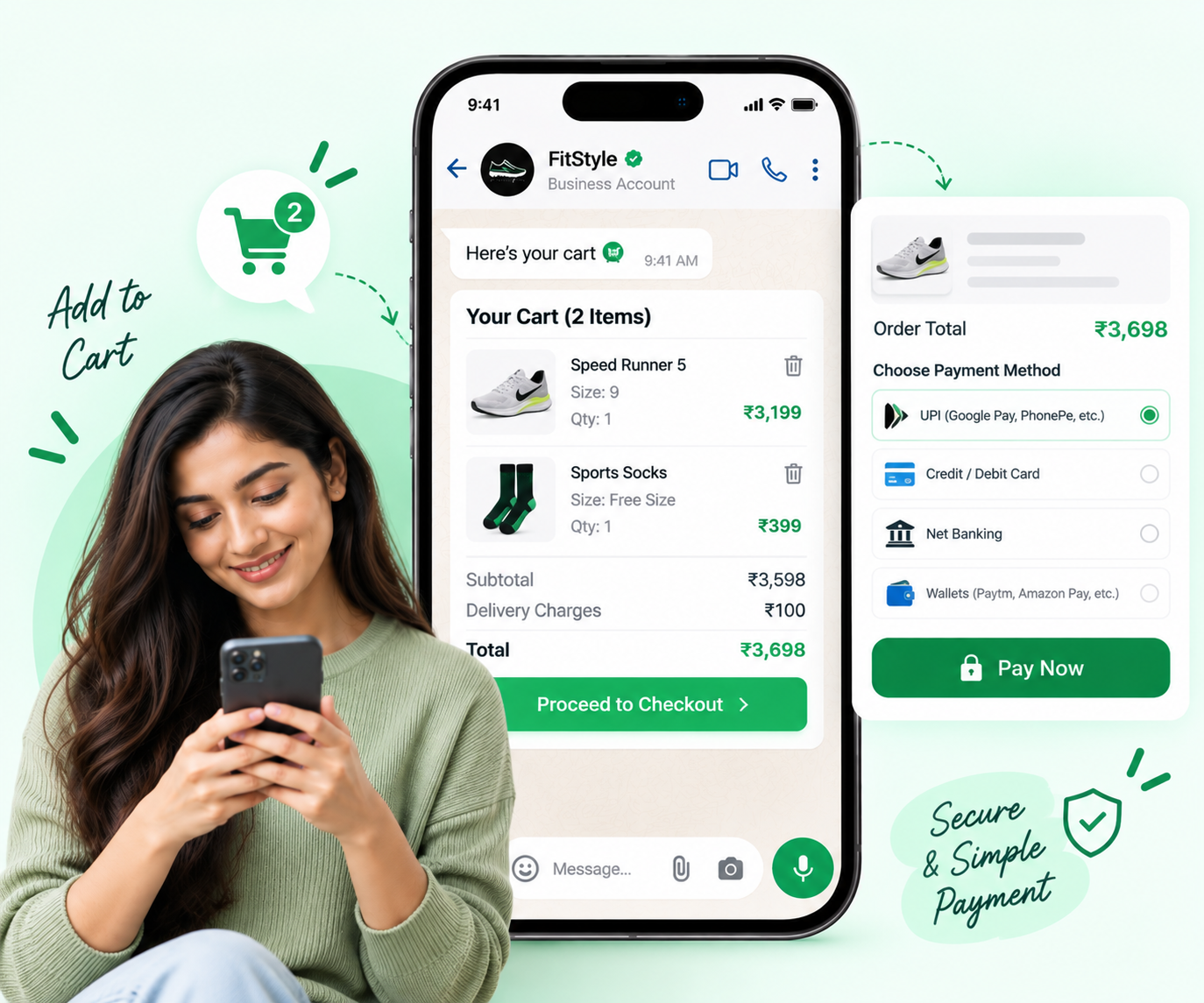
Customers can select products and quantities and add them to their WhatsApp cart. This creates a more interactive shopping experience without forcing customers to navigate multiple pages.
Customers can review their selected products, quantities, and order details before proceeding.
Connect the shopping journey with your preferred payment and order-processing flow so customers can move toward completing their purchase.
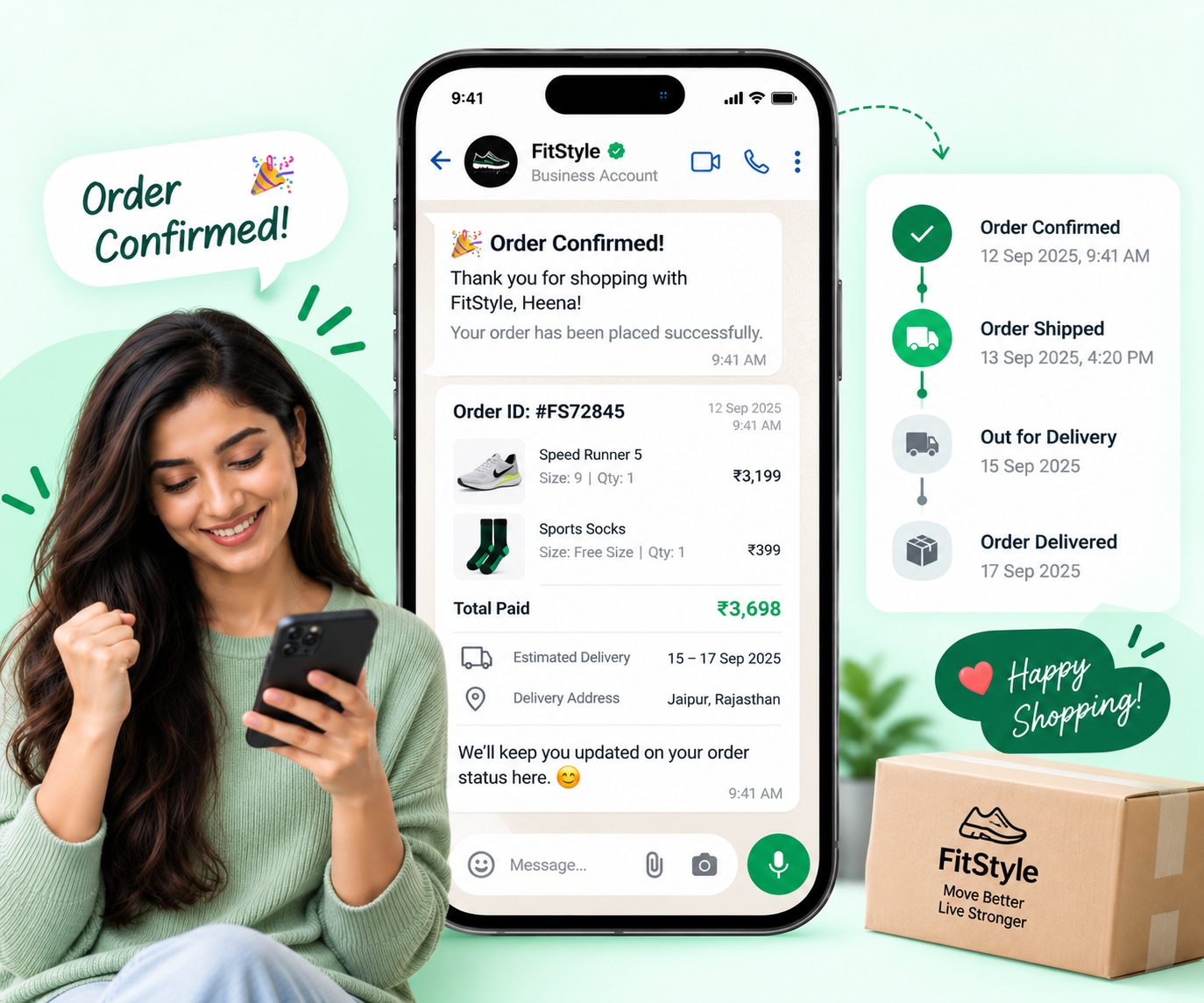
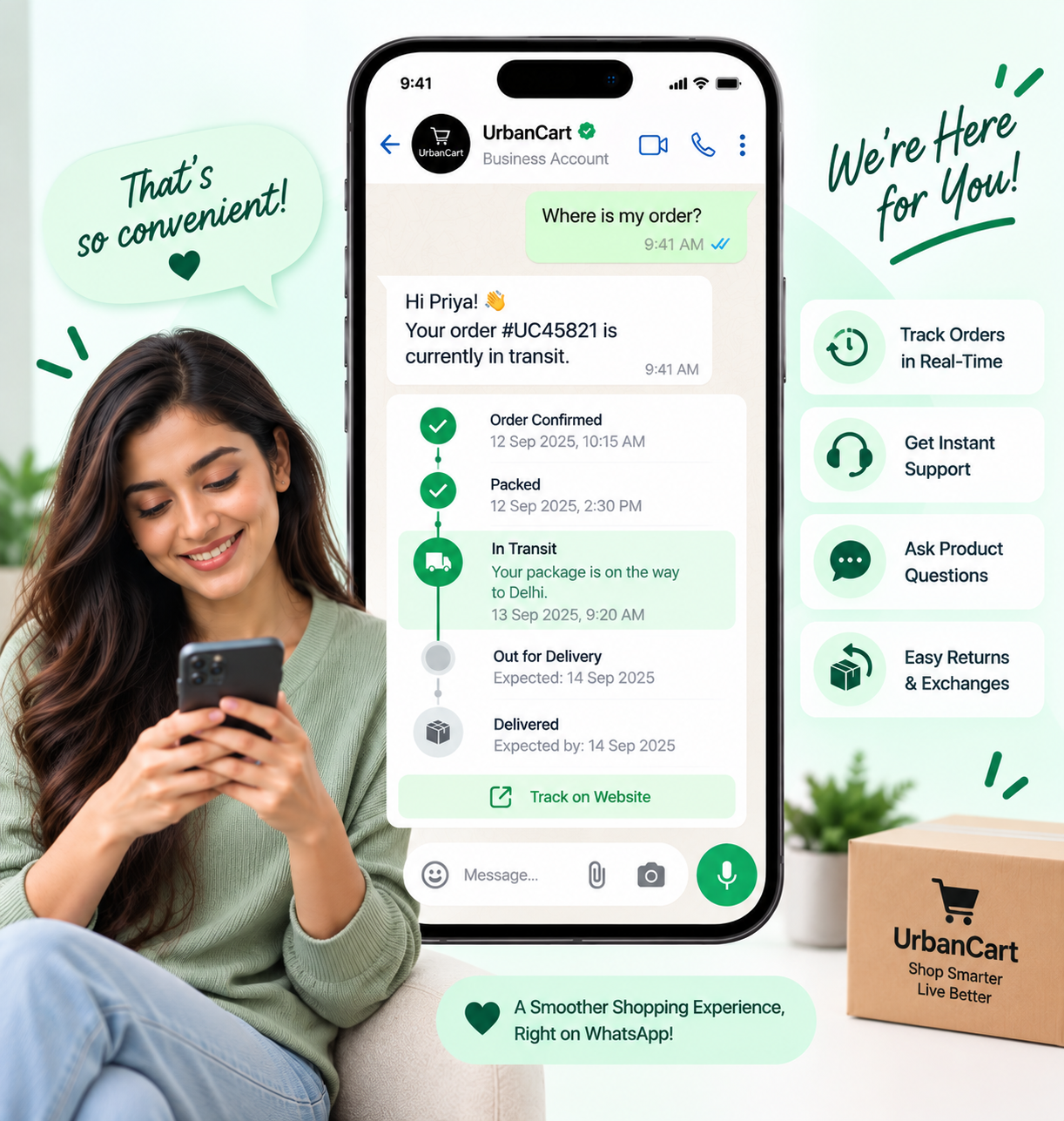
Send relevant transactional updates such as order confirmation, shipping updates, delivery notifications, and other approved business messages.
From online stores to service businesses, create shopping experiences designed around your customers.
Showcase products, generate orders, promote offers and reconnect with customers for repeat purchases.
Let customers explore products, check available options and place orders through WhatsApp.
Showcase collections, new arrivals, offers and accessories while helping customers select products.
Display menus, combos and food items, collect orders and share order updates.
Promote products, packages and services while helping customers make enquiries and bookings.
Showcase devices and accessories, answer product questions and help customers move toward purchase.
Present furniture, décor, lifestyle products and collections through an interactive shopping journey.
Connect with customers directly, showcase offerings and generate orders without requiring a complex shopping journey.
Turn everyday customer conversations into shopping opportunities.